
AI Photo Editing
Refine any room or listing photo with AI. Remove unwanted objects, inpaint and replace elements, recolor finishes, extend the frame, and clean backgrounds — photorealistic results in seconds.
Inpaint · Outpaint · Recolor · Remove background
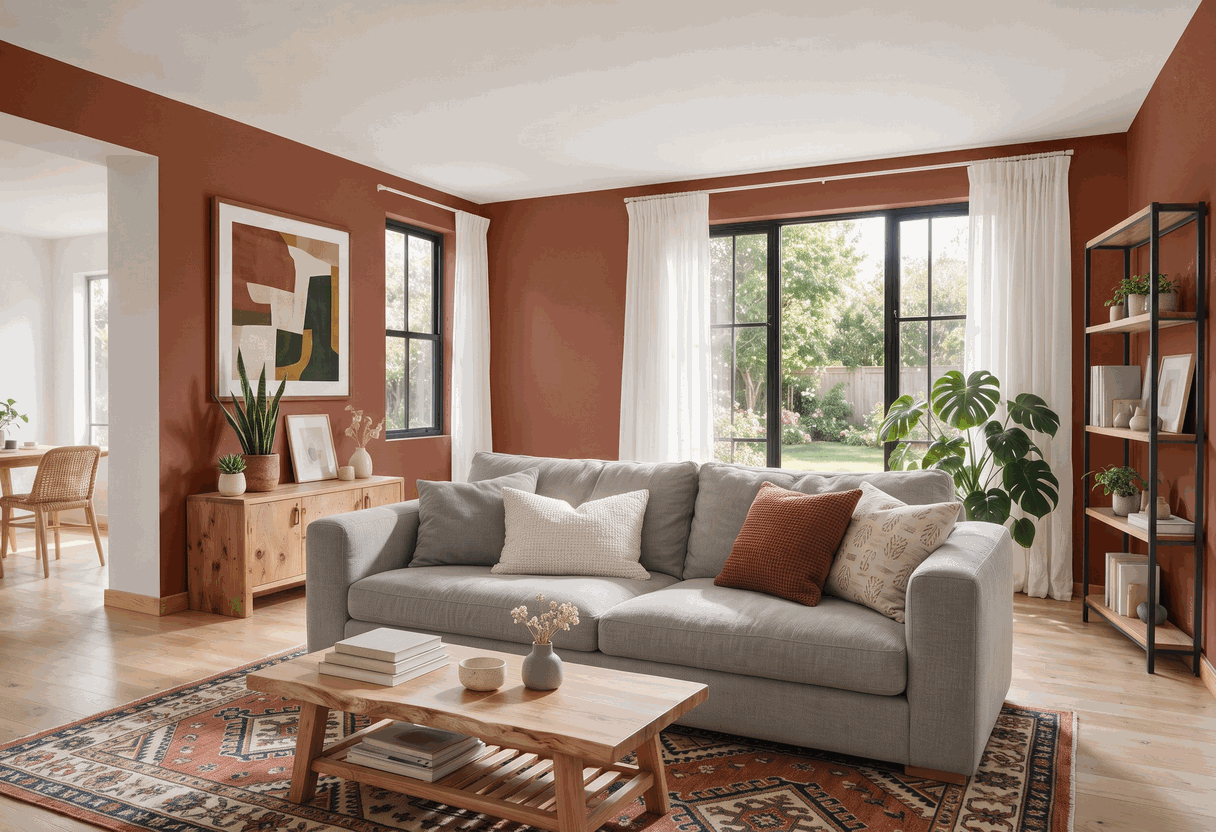
What you can do with AI photo editing
Remove objects
Erase unwanted items, signs, reflections or blemishes from any photo.
Inpaint & replace
Swap or fix specific elements without regenerating the whole image.
Extend the frame
Outpaint to widen a shot or fix an awkward crop seamlessly.
Clean backgrounds
Remove or replace backgrounds for clean, professional results.
See it in action
Mark what to change and AI blends the edit into the original photo.


How it works
Upload a photo
Add any room, render or listing photo you want to refine.
Choose the edit
Inpaint, outpaint, recolor or remove the background — and mark the area.
Download the result
Get a clean, photorealistic edit in seconds, ready to use.
Explore more AI tools
FAQs
What can AI photo editing do?
It edits room and listing photos with AI: inpainting to replace elements, outpainting to extend the frame, recoloring specific items, and removing or replacing backgrounds — all with photorealistic results.
Can I remove objects from a photo?
Yes. Mark the object, sign, reflection or blemish you want gone and AI fills the space so it blends naturally with the rest of the photo.
Can I change colors or backgrounds?
Yes. Recolor specific elements like walls or furniture, or remove and replace the background for a clean, professional result.
Edit your photos with AI
Remove objects, inpaint, recolor and clean backgrounds in seconds.
Get started free